The Lounge setup guide: self-hosted web IRC that stays online
Updated June 1, 2026
The Lounge solves IRC persistence by being both halves at once: a web client and the always-connected server side, in one Node.js app. Install it on any small server and every browser — laptop, phone, work machine — opens the same session, with shared history and push notifications. No separate bouncer, no desktop installs.
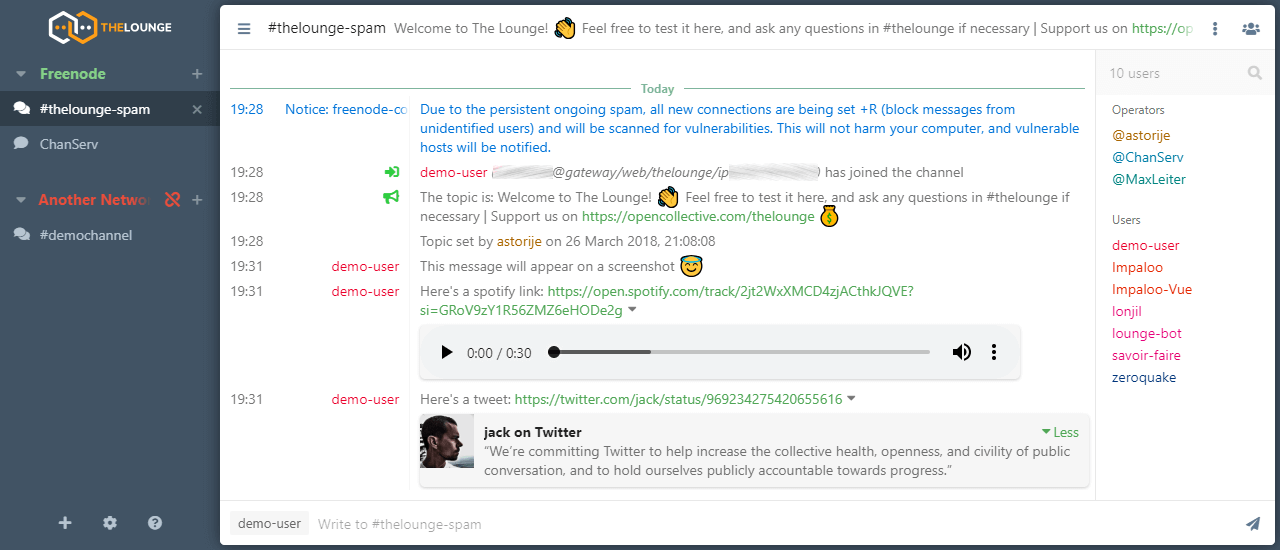
1. Install
Since 4.5 (May 2026), The Lounge requires Node 22 or newer — check with
node --version before anything else. Then, two equally good routes:
# Node route
sudo npm install -g thelounge
thelounge start

# Docker route
docker run -d -p 9000:9000 -v ~/.thelounge:/var/opt/thelounge ghcr.io/thelounge/thelounge
The Lounge listens on port 9000. Create your account (private mode is the default — each user logs in and gets their own persistent IRC connections):
thelounge add yourname
2. Put it behind a reverse proxy
Run it behind nginx/Caddy with a real certificate, both for TLS and because push notifications require a secure origin:
server {
    server_name irc.example.com;
    location / {
        proxy_pass http://127.0.0.1:9000;
        proxy_http_version 1.1;
        proxy_set_header Upgrade $http_upgrade;
        proxy_set_header Connection "upgrade";
    }
    # plus your TLS config / certbot
}
The WebSocket upgrade headers are the part people forget; without them the client never connects.
3. Connect to networks
Log in at your URL, add a network (e.g. irc.libera.chat, port 6697, TLS),
enable SASL with your account, join
channels. Connections persist when you close the tab — that is the entire
point. On a phone, "Add to home screen" makes it a respectable PWA with push
notifications.
4. Settings worth changing
In ~/.thelounge/config.js:
maxHistory— how many messages per channel are kept in memory.messageStorage: ["sqlite", "text"]— persistent, searchable history on disk; the sqlite store is what makes scrollback survive restarts.fileUpload— The Lounge can host image/file uploads for sharing into channels (links, not DCC); enable with size limits if you want it.public: false— keep it private unless you deliberately run a drop-in webchat for your community or your own server.
The trade-off
Compared to soju or ZNC, The Lounge locks you to its own (good) web UI — other IRC clients cannot connect through it. If you live in a browser and a phone, that is no loss at all, and the polish is excellent. If you also want your terminal client attached to the same session, soju is the architecture you want instead.