Best IRC clients for Android in 2026
Updated July 22, 2026
The hard part of IRC on Android is not the client — it is that Android kills background connections, and plain IRC forgets everything when you disconnect. Every good Android setup solves persistence somewhere. Here are the ones that work in 2026, with links to actually install them.
At a glance
| Client | Price | Open source | Persistence | Install |
|---|---|---|---|---|
| goguma | Free | Yes (AGPL) | Bouncer (soju) or direct | Play · F-Droid |
| IRCCloud | Free / $6 per month | Apps only | Their cloud | Play |
| Quasseldroid | Free | Yes (GPL) | Your Quassel core | Play · F-Droid |
| The Lounge | Free | Yes (MIT) | Your server, PWA | thelounge.chat — no store needed |
goguma — the modern choice
Built by the soju developer, goguma is designed around the modern protocol: IRCv3 chathistory, proper unread tracking, and deep soju bouncer integration.
Against a soju (or Ergo server with history), it behaves like a contemporary messenger — scrollback loads on demand, notifications arrive, multiple networks managed from the app.
Development is very much alive (0.9.1 shipped January 2026). If you have or are willing to run a bouncer, this is the recommendation, full stop.
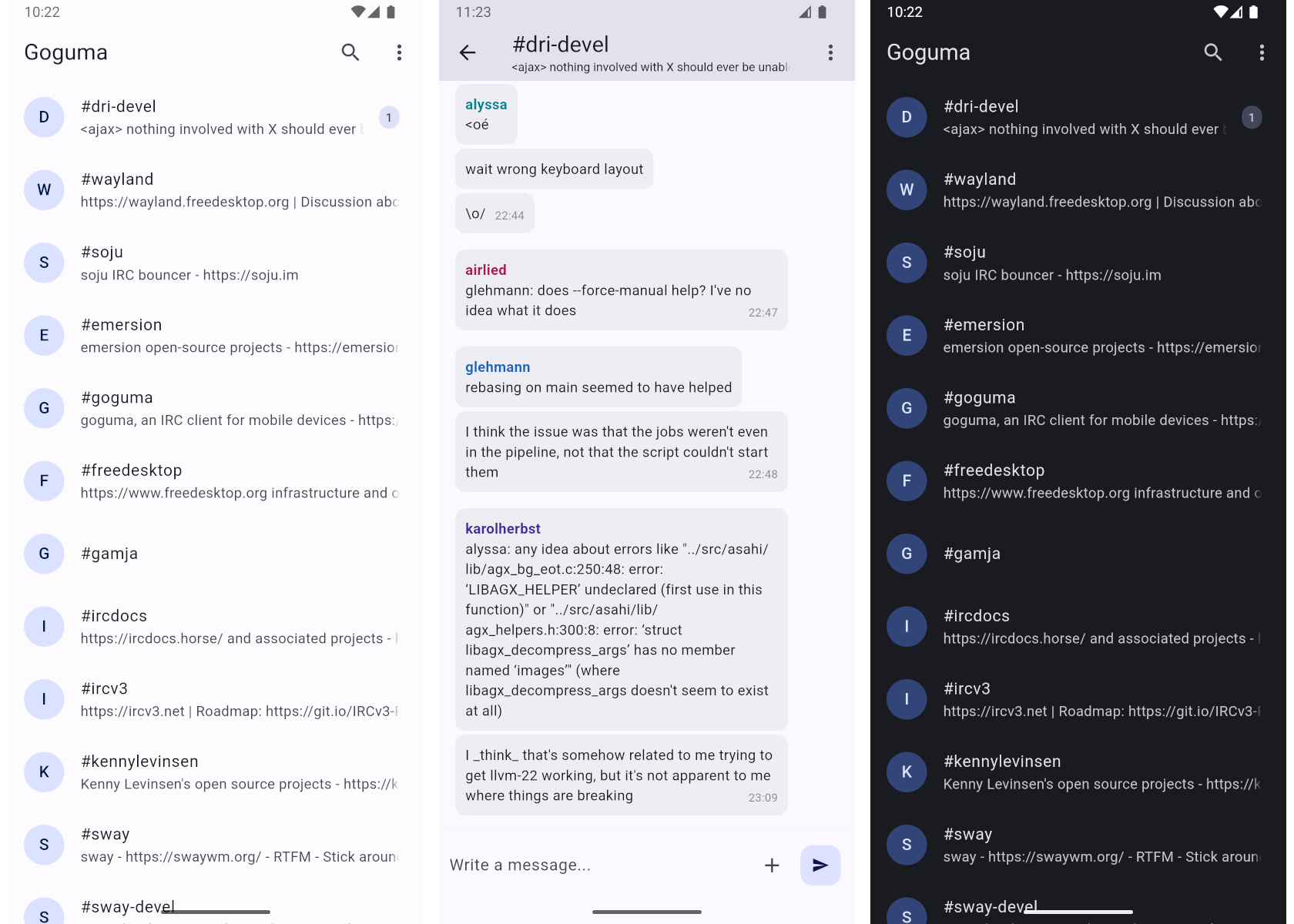
Download:
- Google Play — free
- F-Droid — free
It even works without a bouncer — maintaining its own connection where Android allows — but like every direct-connection client, it is then at the mercy of the OS's battery manager.
IRCCloud — zero infrastructure
Persistence, outsourced: with IRCCloud the app is a window onto a connection that lives on their servers, so history and push notifications work perfectly with no setup.
The free tier disconnects you after two hours of inactivity; staying permanently online costs $6 per month or $60 per year.
The trade-off is the obvious one — a company in the middle — but as the "it just works" option it is unmatched.
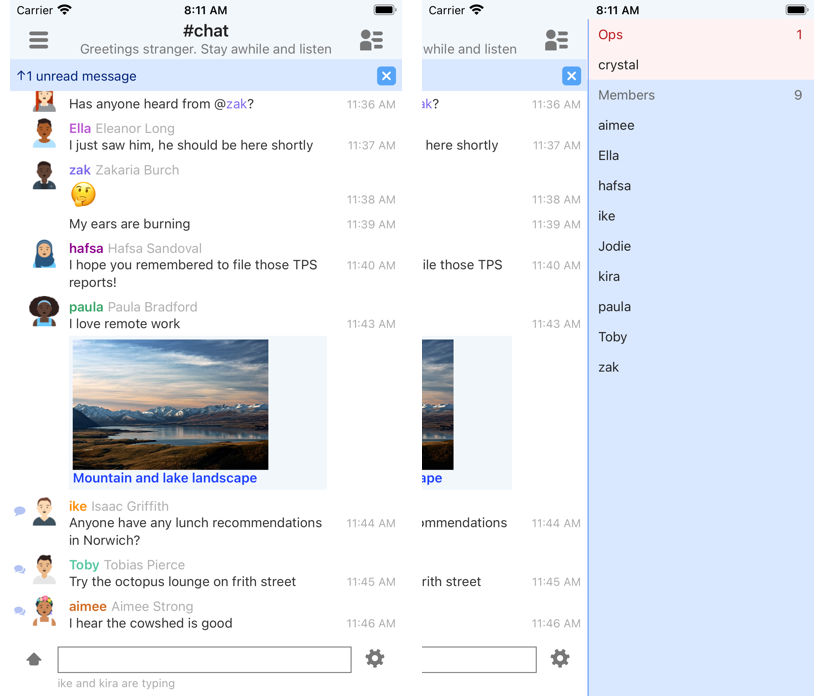
Download: Google Play — the app is free; there is no F-Droid build. More in IRCCloud, explained.
Quasseldroid — for Quassel people
If your desktop setup is Quassel (the split core/client architecture), Quasseldroid attaches your phone to the same core: one connection, shared backlog, native Android UI.
Excellent in its niche; pointless outside it — and worth knowing that Quassel itself has not seen a stable release since early 2022, so the niche is not growing.
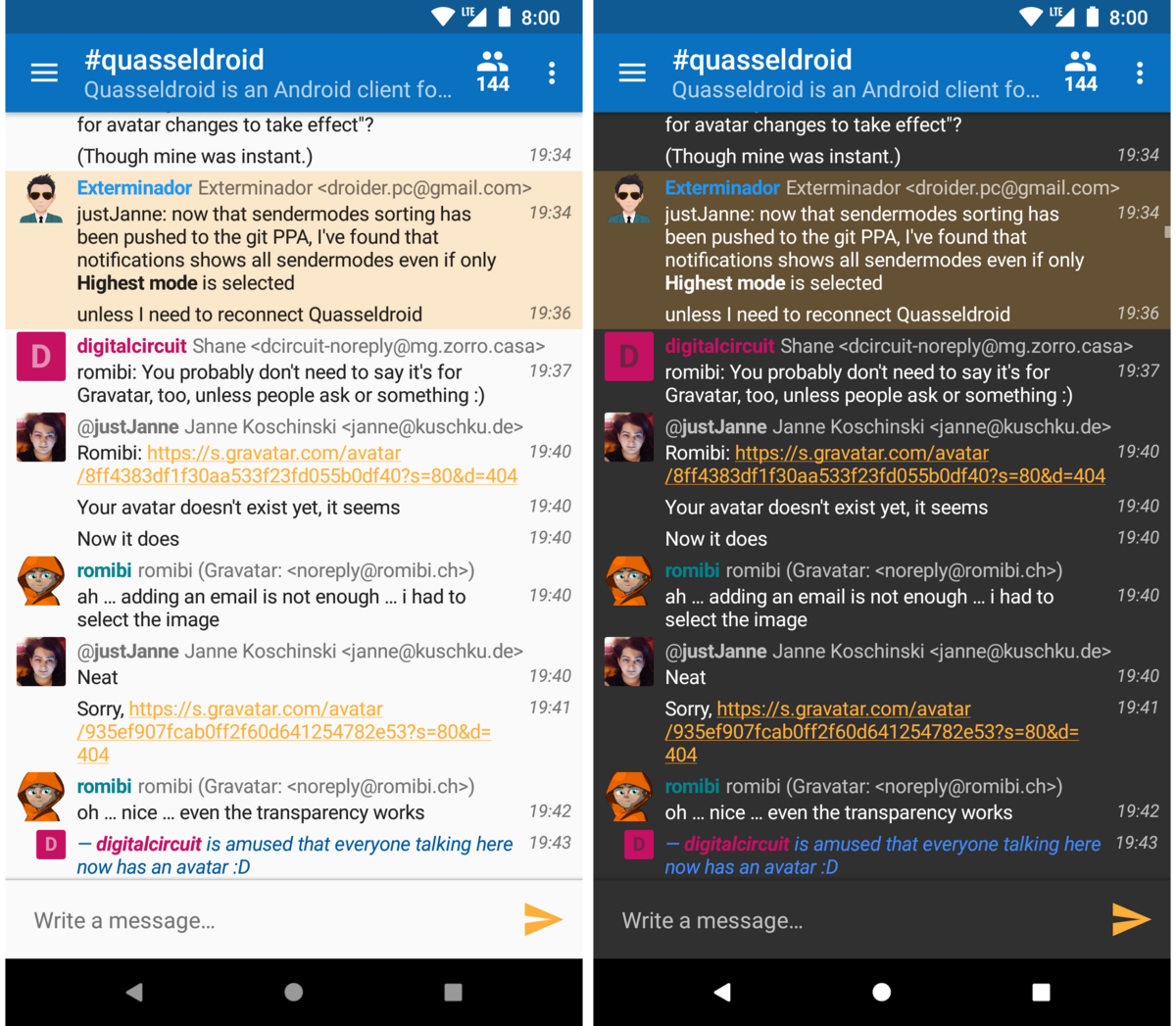
Download:
- Google Play — free
- F-Droid — free, and still receiving releases (1.8.0, April 2026)
The web-client route
A self-hosted The Lounge added to the home screen is a legitimate Android client: PWA with push notifications, history on your server, no app store involved. For households already running one, the phone setup is literally "open URL".
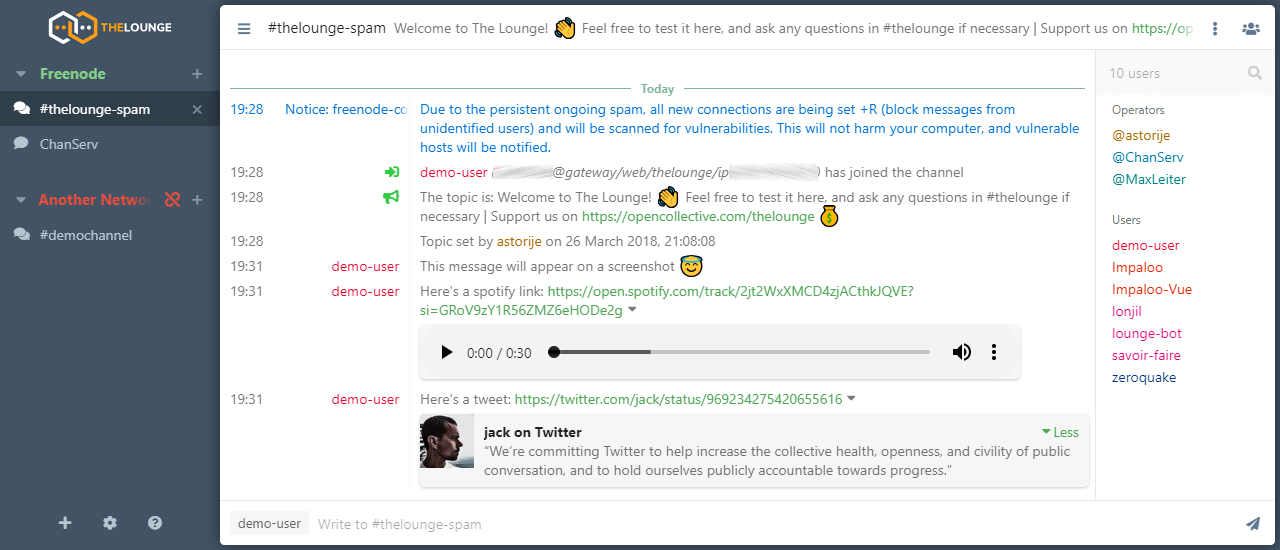
Get it: thelounge.chat — self-hosted, no app store involved. Setup lives in the The Lounge guide.
Revolution IRC — the one people still look for
For years this was the standard recommendation for a native Android client, so it earns a plain warning rather than a footnote. Revolution IRC shipped 0.5.5 in April 2023 and nothing since, and its Google Play listing now 404s.
The F-Droid build still installs and still works today. But nobody maintains it, and Android keeps tightening the rules for background apps — sooner or later an OS update will break it for good.
Pick goguma instead. The longer version, including how to move your networks across, is in Revolution IRC is unmaintained.
Recommendations
- Have/want a bouncer: goguma + soju — the best mobile IRC currently gets.
- Want zero maintenance: IRCCloud, paid tier.
- Already on Quassel: Quasseldroid.
- Already running The Lounge: add it to your home screen and stop.
Whatever you pick, set up SASL and a registered nick — on a connection that may reconnect often, automatic identification is not optional.