Irssi setup guide: the classic terminal client, configured properly
Updated May 28, 2026
Irssi has run in terminals since 1999 and shows every sign of running in them forever: tiny, stable, Perl-scriptable, and famously at home inside tmux on a server. Its defaults assume 1999, though — here is the modern setup.
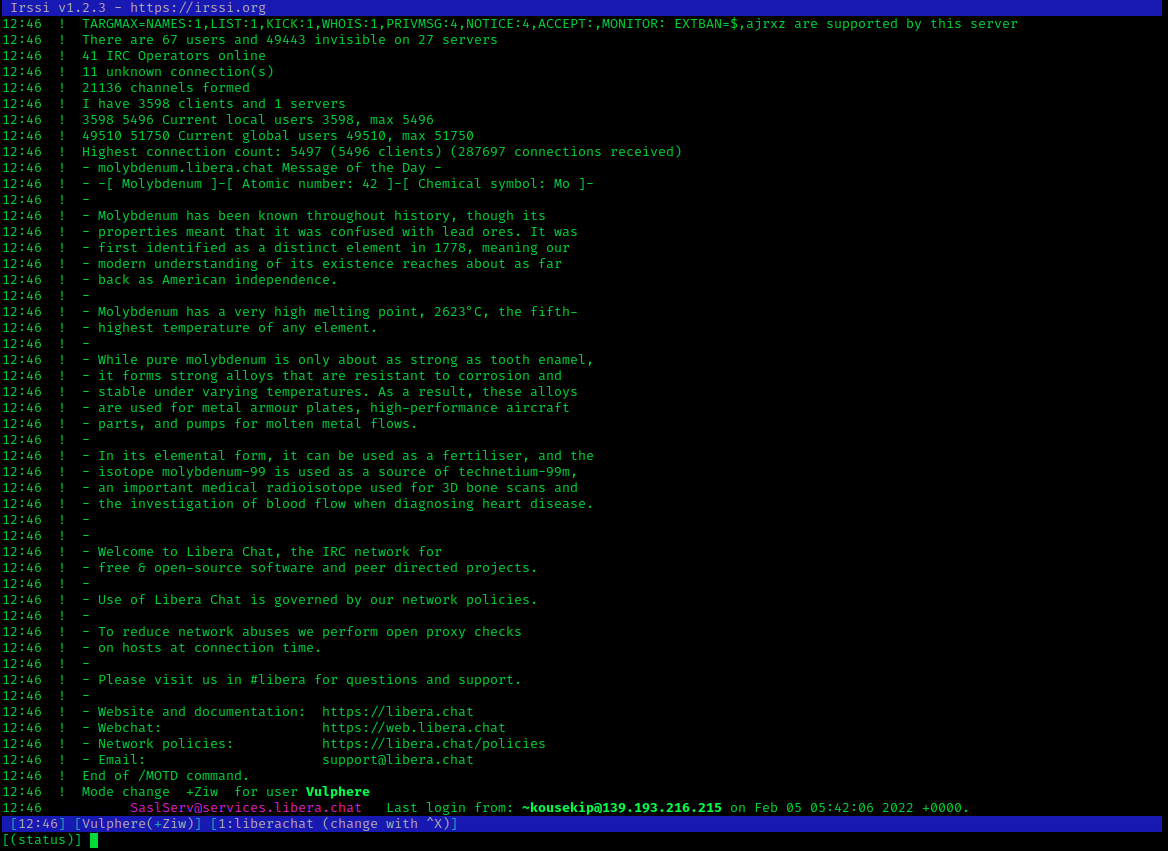
1. Install and connect
apt install irssi (or your distribution's equivalent), then inside:
/network add liberachat
/server add -auto -tls -network liberachat irc.libera.chat 6697
2. SASL
Irssi supports SASL natively per network — with your registered account:
/network add -sasl_username youraccount -sasl_password yourpassword -sasl_mechanism PLAIN liberachat
/save
/connect liberachat
3. Channels and daily flow
/channel add -auto #channel liberachat
Navigation is muscle memory after a week: Alt+1..0 (then Alt+q..p for
11–20) switches windows, /win <n> jumps directly, PgUp scrolls, Tab
completes nicks, /wc closes a window. Alt+a cycles through windows with
activity — the single most used key in a busy setup.
Two settings everyone ends up wanting:
/set activity_hide_level joins parts quits
/set autolog on
The first silences join/part noise in the activity bar; the second writes
timestamped logs to ~/irclogs — your history, since plain Irssi has none
(bouncers exist for more).
4. Scripts and theme
Scripts are Perl files in ~/.irssi/scripts (symlink into autorun/ to load
at startup). The canonical picks: adv_windowlist.pl (a proper window list
bar), trackbar.pl (marks where you stopped reading), usercount.pl. Themes
are single files in ~/.irssi; /set theme <name> applies.
5. The tmux pattern
Irssi's signature deployment: on a VPS,
tmux new -s irc irssi
Detach with Ctrl+b d; from anywhere, ssh vps -t tmux attach -t irc and
your client is exactly as you left it — connected the whole time, scrollback
intact. This is the original poor-man's bouncer and it has outlived several
generations of fancier solutions.
Irssi or WeeChat?
Both are excellent; the honest difference is philosophy. WeeChat ships more features in-core (relay, script manager, mouse support) and evolves faster; Irssi is smaller, changes rarely, and rewards a config you write once and keep for fifteen years. People switch in both directions and lose nothing — the commands are the same everywhere.