HexChat setup guide: from install to identified in ten minutes
Updated May 27, 2026
First, the honest part: HexChat development ended in February 2024 — 2.16.2 was the final release. It still works, millions still run it, and this guide remains accurate. But if you are choosing a client today, read HexChat is dead — what to use instead first.
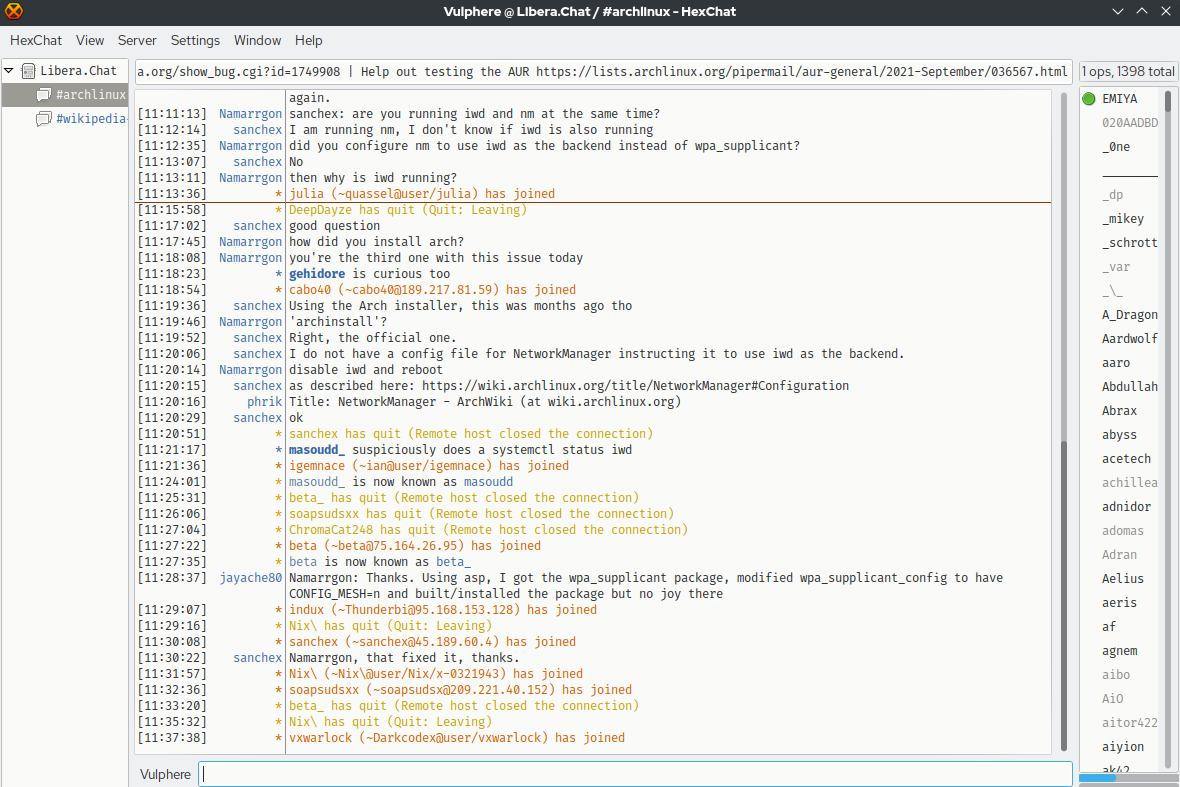
For everyone staying: tabbed interface, network list with the major networks preloaded, TLS and SASL support. Ten minutes from install to identified.
1. Install
Windows: the 2.16.2 installer from the project site — note it has not been
updated (including its bundled libraries) since February 2024. Linux: prefer
your distribution's package (apt/dnf install hexchat), which at least gets
rebuilt; the Flatpak has been delisted, and Debian has dropped HexChat from
testing. The config below transfers to other clients when the day comes.
2. First run: the network list
On launch you get the network list (later: Ctrl+S).
- Set nick name plus two fallbacks, and a user name.
- Select Libera.Chat (or your network) and click Edit…
- Check Use SSL for all the servers on this network and Connect to this network automatically.
- Under Login method, choose SASL (username + password) and enter your registered account and password.
- In Autojoin channels, add the channels you live in.
Connect. The server tab shows the connection; channels open as tabs.
3. Settings worth changing
Under Settings → Preferences:
- Logging (Chatting → Logging): enable timestamped logs — HexChat has no bouncer magic, so logs are your history.
- Alerts: set highlight words (your name's spellings) and decide which events beep, flash or notify. Untick sounds for every message in busy channels, for your own sanity.
- Strip colors (Chatting → General) if rainbow text annoys you.
- Text events: hide join/part/quit noise per channel via right-click on the tab → Settings — the single biggest readability upgrade in large channels.
4. Daily-driver notes
Tabcompletes nicks;Alt+1..9jumps between tabs./query nickopens private messages; the usual commands all work.- Scripts and plugins (Python/Perl) live in the addons directory — URL grabbers and notification tweaks are popular; the plugin interface is the reason many users have stayed for a decade.
If you outgrow it
The natural next steps are WeeChat for terminal power or Halloy for a modern GUI — but plenty of people have run HexChat happily for fifteen years, and nothing about that needs fixing.